Honeycomb Knowledge Base
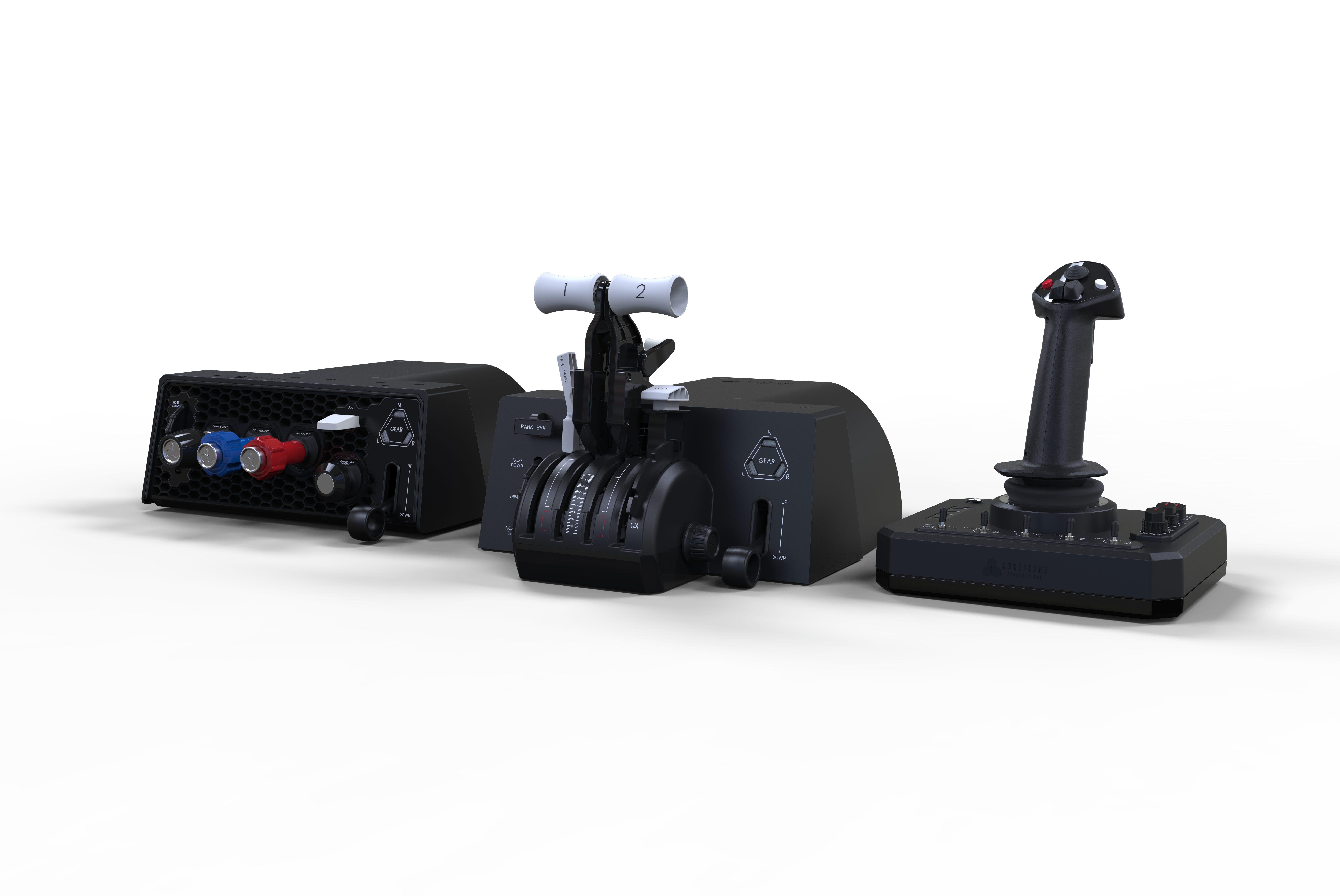
Welcome to the Honeycomb Knowledge Base. This is your central support hub for setup guides, troubleshooting help, product documentation, simulator configuration, downloads, and video walkthroughs.
Whether you are setting up your first Honeycomb product or fine-tuning an advanced flight simulation setup, this knowledge base is designed to help you get flying faster.
What you can find here
Product Support
Each Honeycomb product will have its own dedicated support section with helpful resources such as:
- FAQs
- Setup instructions
- Troubleshooting guides
- Button and axis mapping references
- Firmware and software downloads
- Product-specific videos
Simulator-Specific Support
You will also find support organized by simulator, making it easier to configure your hardware for the platform you use most.
Planned simulator support includes:
- Microsoft Flight Simulator 2024
- Microsoft Flight Simulator
- X-Plane 12
- Prepar3D
Video Guides
Our knowledge base will include helpful video walkthroughs, including setup and support content created with our friends at Sporty’s.
These videos are designed to make configuration easier by showing each step visually.
Featured Support Areas
Product Guides
Find setup help, FAQs, downloads, and troubleshooting for each Honeycomb product.
Simulator Setup
Learn how to configure your Honeycomb hardware in supported flight simulators.
Downloads
Access firmware updates, configuration files, input maps, and support tools.
Video Walkthroughs
Watch step-by-step videos covering setup, configuration, and common support topics.
Getting started
Choose a product or simulator from the sidebar to begin. If you are new to Honeycomb hardware, start with your product’s FAQ and setup videos before moving into simulator-specific configuration.
For the best support experience, keep your simulator updated and check for the latest Honeycomb downloads before troubleshooting.
Need more help?
If you cannot find what you need, contact Honeycomb Support with the following details:
- Product name
- Simulator being used
- Computer operating system
- Description of the issue
- Steps already attempted